Microsoft Lens: PDF Scanner2.96.1
Publisher Description
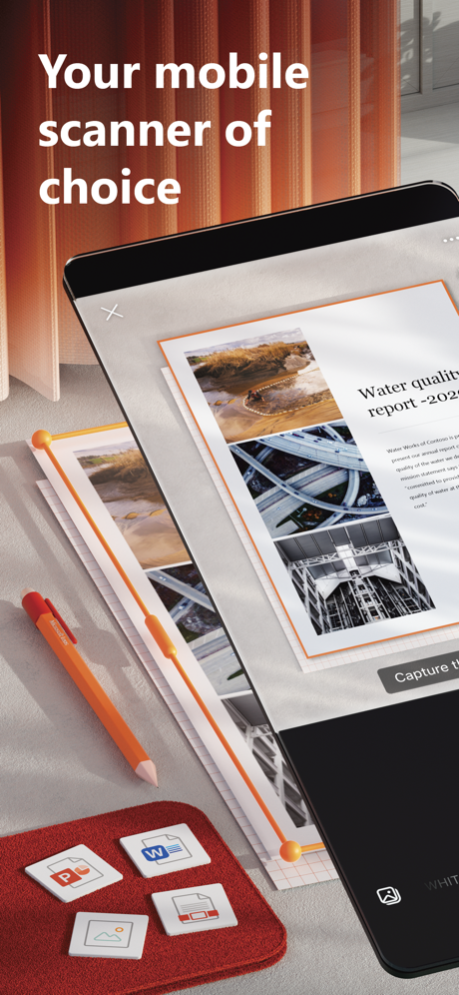
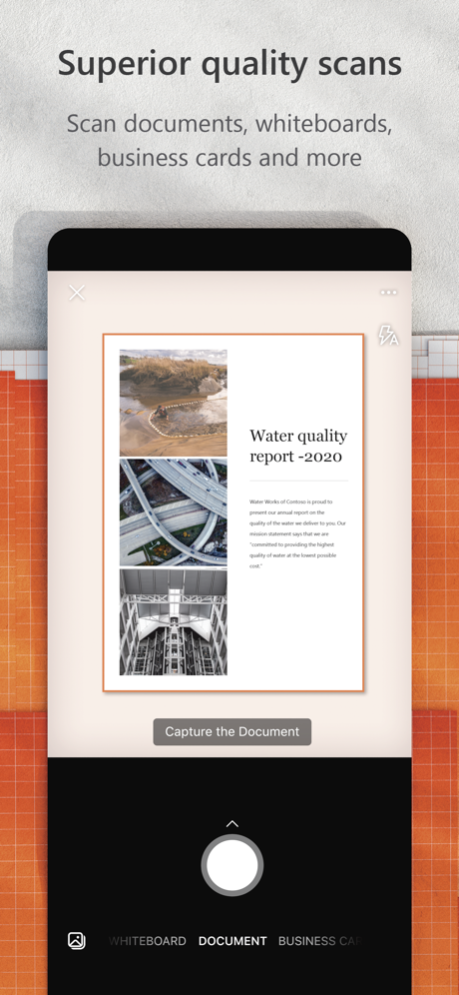
Microsoft Lens (formerly Office Lens) trims, enhances, and makes pictures of whiteboards and documents readable.
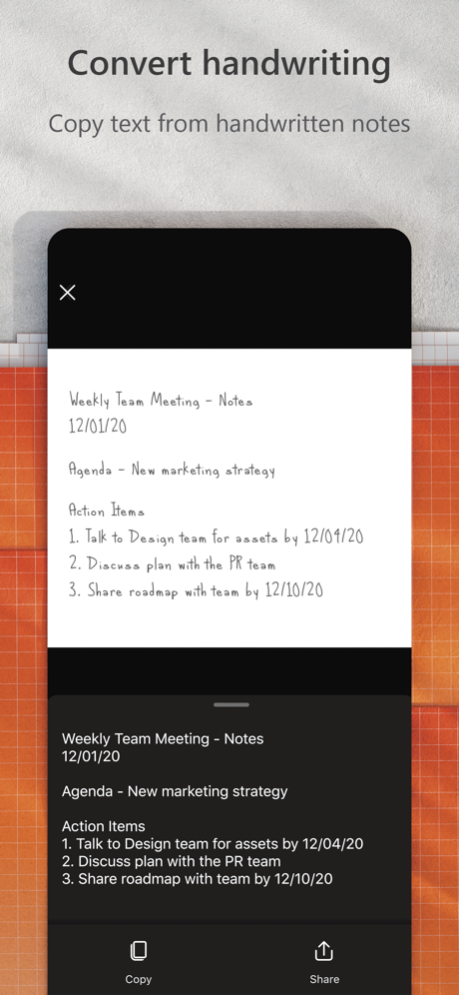
You can use Microsoft Lens to convert images to PDF, Word, PowerPoint, and Excel files, digitize printed or handwritten text, and save to OneNote, OneDrive, or your local device. You can even import images that are already on your device using Gallery.
PRODUCTIVITY AT WORK
• Scan and upload all your notes, receipts, and documents
• Capture whiteboard at end of the meeting to keep those action items on track
• Scan printed text or handwritten meeting notes to edit and share later
• Keep your business networking contacts handy by scanning business cards and saving them to your contact list
• Choose to save as PDF, Image, Word or PowerPoint formats into OneNote, OneDrive, or local device as location
PRODUCTIVITY AT SCHOOL
• Scan classroom handouts and annotate them in Word and OneNote
• Scan handwritten notes to digitize and edit later (works with English only)
• Take a picture of the whiteboard or blackboard to reference later, even if you're offline
• Keep class notes and your own research organized with the seamless integration with OneNote
Join the beta program at this link to get an early preview of the next version of Microsoft Lens and help make it better by providing us feedback: https://testflight.apple.com/join/aRahHf00
Apr 10, 2025
Version 2.96.1
Bug fixes and performance improvements
About Microsoft Lens: PDF Scanner
The company that develops Microsoft Lens: PDF Scanner is Microsoft Corporation. The latest version released by its developer is 2.96.1. This app was rated by 1 users of our site and has an average rating of 3.5.
To install Microsoft Lens: PDF Scanner on your iOS device, just click the green Continue To App button above to start the installation process. The app is listed on our website since 2025-04-10 and was downloaded 127 times. We have already checked if the download link is safe, however for your own protection we recommend that you scan the downloaded app with your antivirus. Your antivirus may detect the Microsoft Lens: PDF Scanner as malware if the download link is broken.
How to install Microsoft Lens: PDF Scanner on your iOS device:
- Click on the Continue To App button on our website. This will redirect you to the App Store.
- Once the Microsoft Lens: PDF Scanner is shown in the iTunes listing of your iOS device, you can start its download and installation. Tap on the GET button to the right of the app to start downloading it.
- If you are not logged-in the iOS appstore app, you'll be prompted for your your Apple ID and/or password.
- After Microsoft Lens: PDF Scanner is downloaded, you'll see an INSTALL button to the right. Tap on it to start the actual installation of the iOS app.
- Once installation is finished you can tap on the OPEN button to start it. Its icon will also be added to your device home screen.
Program Details
System requirements
Download information
Pricing
Version History
version 2.96.1
posted on 2025-04-10
Apr 10, 2025
Version 2.96.1
Bug fixes and performance improvements
version 2.94.1
posted on 2025-03-07
Mar 7, 2025
Version 2.94.1
Bug fixes and performance improvements
version 2.77.1
posted on 2023-09-25
Sep 25, 2023
Version 2.77.1
Bug fixes and performance improvements
version 2.77
posted on 2023-09-20
Sep 20, 2023
Version 2.77
Bug fixes and performance improvements
version 2.72
posted on 2023-04-12
Apr 12, 2023
Version 2.72
Bug fixes and performance improvements
version 2.70
posted on 2023-02-22
Feb 22, 2023
Version 2.70
Bug fixes and performance improvements
version 2.59.4
posted on 2022-03-25
Mar 25, 2022 Version 2.59.4
Bug fixes and performance improvements
version 2.57.2
posted on 2022-02-01
Feb 1, 2022 Version 2.57.2
Bug fixes and performance improvements
version 2.56.1
posted on 2021-12-28
Dec 28, 2021 Version 2.56.1
Bug fixes and performance improvements
version 2.56
posted on 2021-12-13
Dec 13, 2021 Version 2.56
Bug fixes and performance improvements
